
In brief: two-step authentication remains the single most effective security measure you can take. But the methods are not equal. A code by text message is the weakest of them, and a code from an app, while far better, can be defeated by an intermediary-page attack. For the accounts that matter, there are methods this attack cannot get past.
The methods, from weakest to strongest
| Method | Stops | Does not stop |
|---|---|---|
| Password only | Nothing, once the password is known | Everything |
| Code by text message or call | Reuse of leaked passwords | Takeover of the phone number, the intermediary page |
| Code from an app | Number takeover, automated attacks | The intermediary page |
| Notification with number matching | Also approvals given on reflex | The intermediary page, if the user types the number the attacker displays |
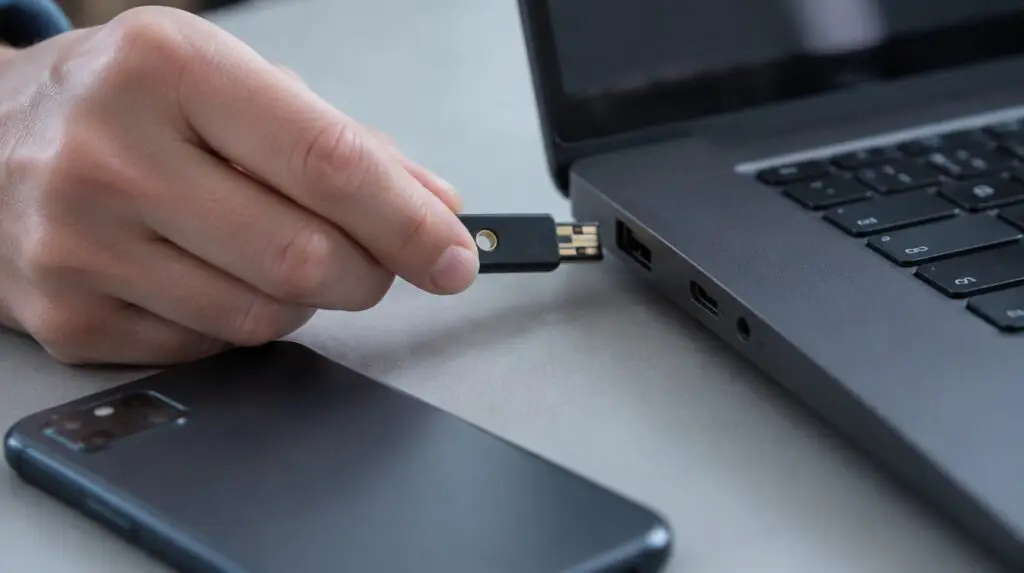
| Security key or passkey | The intermediary page as well | Physical access to an unlocked device |
The difference between the last two rows is the important one, and it decides what you choose for your significant accounts.
Why text messages fail
- Number takeover. Someone presents themselves to the mobile operator in your name, claims a lost phone and obtains a new SIM on the same number. The codes go to them. This is identity fraud committed at a counter, not a computer attack, and your systems have no way of noticing it.
- Porting to another operator, through the same mechanism.
- The message visible on the lock screen. A phone left on a desk shows the code to anyone walking past.
- Dependence on the mobile network. Roaming or weak signal leads people to ask for the method to be disabled, and temporary exemptions become permanent.
Even so, an account with text-message codes is far better protected than one with a password alone. If you have accounts today with no second step at all, turn on whatever method is available today and refine it tomorrow.
Why a code from an app is not enough either
The attack that matters now does not try to guess the code. It puts a fake sign-in page in front of you which relays everything you type to the real site in real time. You enter the password, then the code from the app, and the fake page uses them immediately. The sign-in succeeds, and the attacker receives not the code but the session token, the thing that keeps the account open for days.
The code expires in thirty seconds. The stolen session does not expire with it. That is why victims notice nothing: their sign-in worked, the page loaded, everything looks normal.
There is a cruder variant based on fatigue. An attacker who has the password sends approval requests one after another until somebody taps yes to stop the notifications. Number matching solves this one, because it forces the user to read the screen.
What actually stops the attack
Security keys and passkeys are cryptographically bound to the address of the real site. On a fake domain, even one written with a single letter changed, they simply do not work. It does not depend on the user paying attention, which is exactly what you want at six on a Friday evening.
The second layer is conditional access: require sign-in from a known and compliant device, and demand an additional check for sensitive operations. A token stolen on an unknown computer becomes useless.
What to do, in order
- A second step on every account, with no exemption for management. The exemptions are precisely the targeted accounts.
- Move everyone from text messages to an app with number matching.
- Security keys or passkeys for administrators, for whoever approves payments and for accounts with access to sensitive data.
- Close the legacy mail protocols that allow password-only sign-in and bypass the second step entirely.
- Conditional access on compliant devices, at least for privileged accounts.
- Prepare recovery before you need it: what happens when someone loses their phone, who may reset the method, and how the identity of the person calling is verified.
The trap in that last point
If you put security keys on the important accounts and leave method resets to an undocumented phone call to support, you have moved the target rather than removed it. Attackers call, present themselves as a colleague travelling, and ask for a reset. It is one of the most used routes, precisely because it works.
The reset procedure has to be written down and has to include a check an outsider cannot guess. Confirmation from the person’s direct manager, on a known channel, is the simplest mechanism that works.
The link to legal obligations
For companies within the scope of NIS2, multi-factor authentication is listed explicitly among the risk-management measures, alongside access control policies. What matters for the annual self-assessment is being able to show it is enabled everywhere, not that it exists as an intention.
What we do and what stays with you
PRO IT configures the authentication methods, the conditional access policies, the closing of legacy protocols and the rollout of security keys, as part of the cybersecurity service and of Microsoft 365 administration. If you do not know which methods are active on your company’s accounts today, the IT audit gives you the list.
Two decisions stay with you: who receives security keys, because that is a cost per person, and how the identity of someone requesting a reset is verified. The second costs nothing and is the one most often postponed.